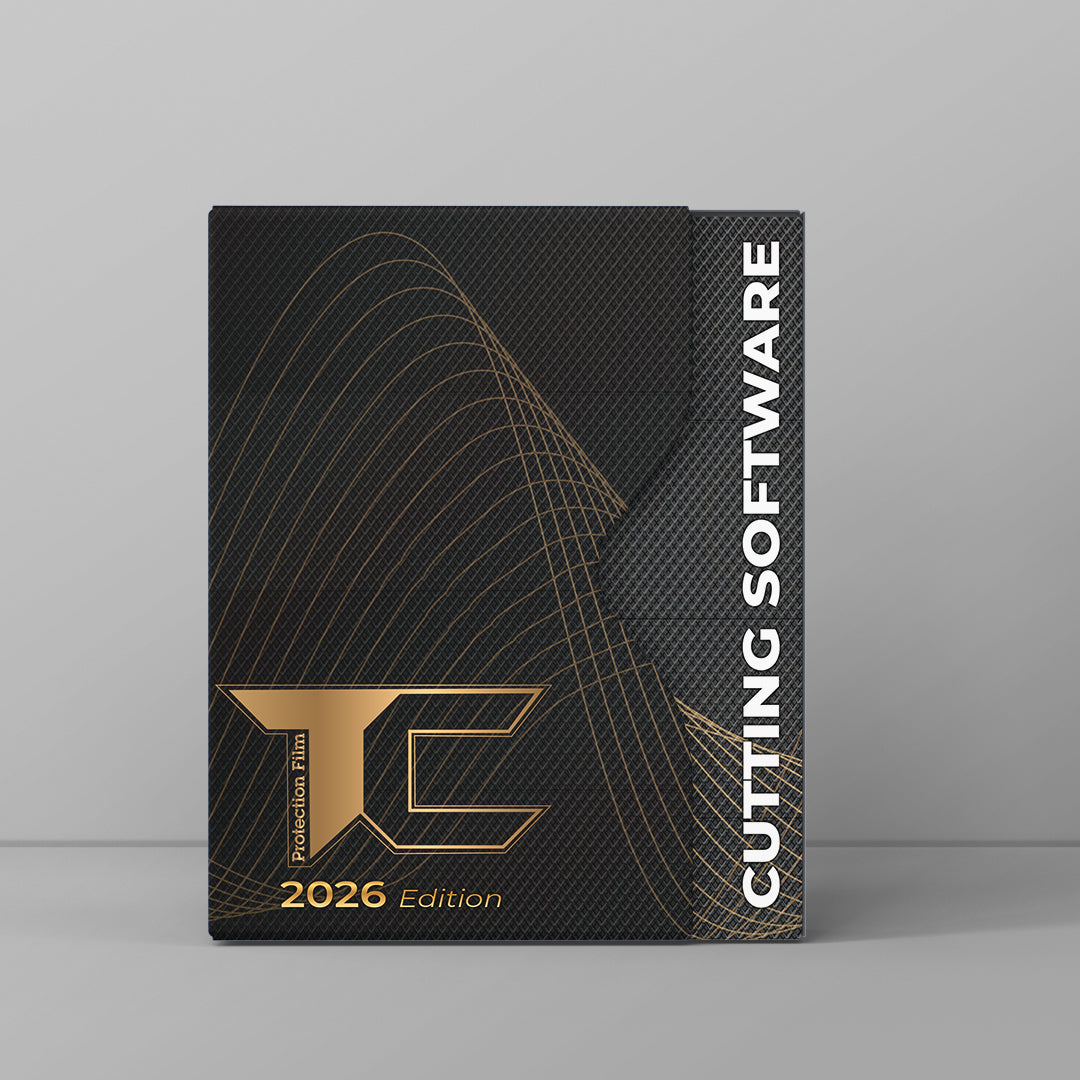
Select the vehicle
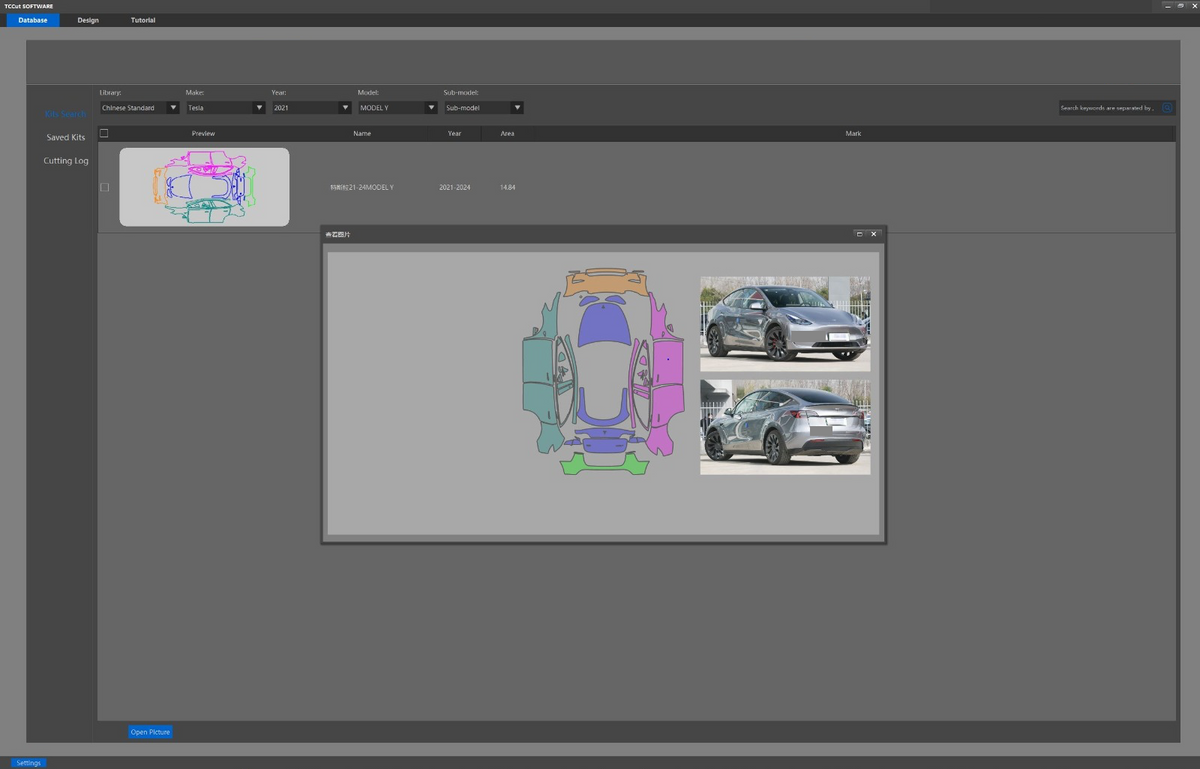
Confirm the vehicle and review the available pattern preview.
TC CutPro / Professional Cutting Software
From vehicle selection to pattern preparation, see the real TC CutPro workspace used in a professional film installation workflow.
BECOME A DEALER01 / Vehicle Selection
Use the make, year, and model fields shown in TC CutPro to find a vehicle-specific pattern. Review the available pattern preview before moving into the design workspace.
Ask TC about current pattern availability for your vehicle and installation.
02 / Real Software Workspace
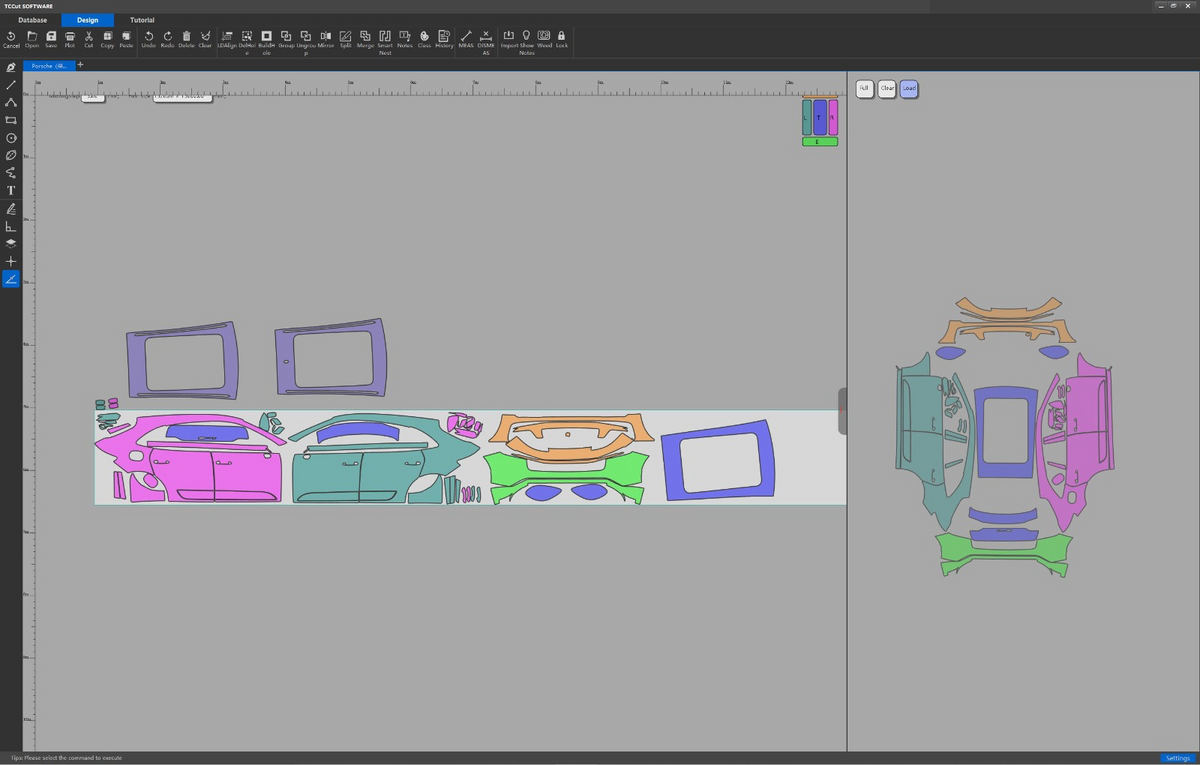
The genuine design workspace brings the cutting area, vehicle pattern overview, and software tools into one view. This official capture shows multiple pattern pieces arranged across the working area.
03 / Pattern Layout
Review the arrangement and orientation of the pattern pieces across the cutting area. The official screenshot below shows the detailed pattern layout in the TC CutPro design workspace.
Confirm film selection and cutting setup with TC before preparing your job.
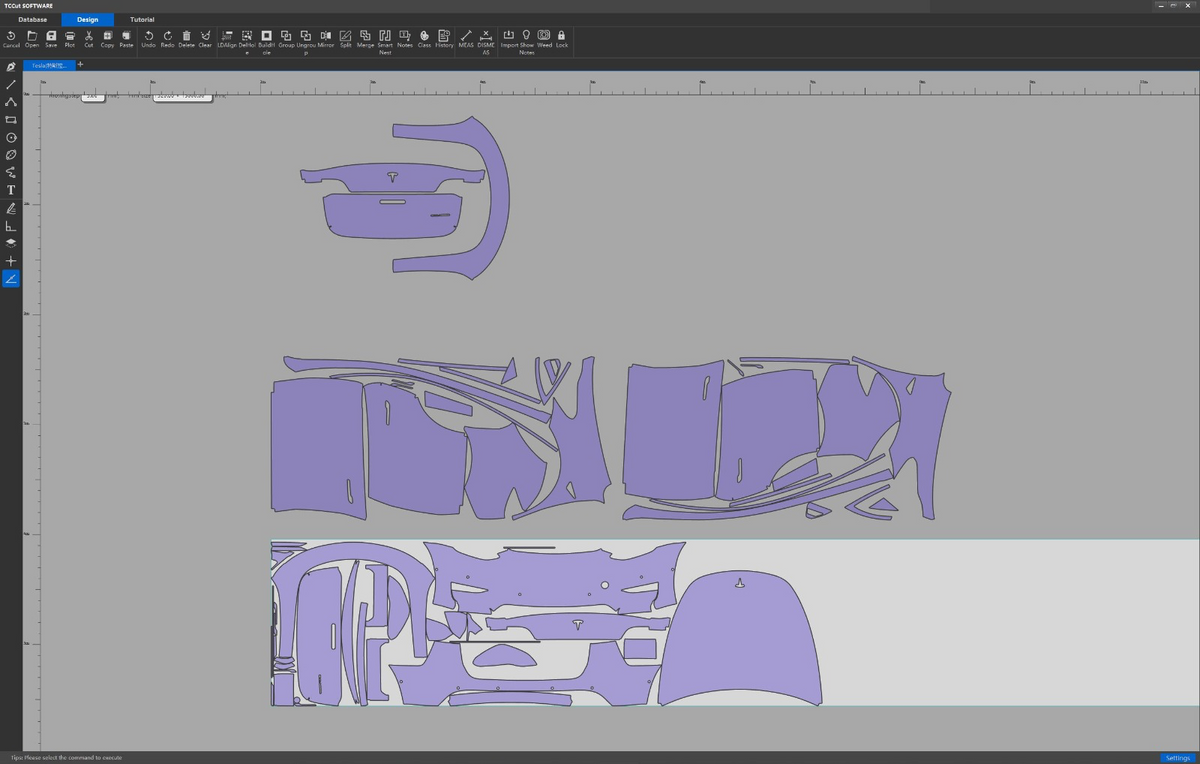
These are genuine TC software screenshots. Account identifiers, account details, and expiration information have been removed for privacy. The software controls and pattern geometry have been preserved.
04 / Professional Installation Workflow
Confirm the vehicle and review the available pattern preview.
Inspect the pattern pieces in the real design workspace.
Review the cutting area and confirm the setup for your job.
Combine film preparation with careful vehicle preparation and installation.
Contact TC for current software access and professional installation guidance.
Your Next Step
Interested in TC CutPro for your installation shop? Connect with our team to learn about software access, pattern availability, and professional dealer opportunities.
The installer experience
Honest feedback about TC CutPro Software.
A community built on experience
Share your experience with TC Protection Film. Whether you're an installation professional or a customer, your feedback helps others discover the quality and performance of our products.
Installers: include your shop name and city/state in your written review.